Let’s be honest: the sheer volume of email most professionals face is soul-crushing. I remember a period a few years back, juggling client projects, team management, and partnership outreach. My inbox wasn’t a tool; it was a tyrant. I’d spend the first 90 minutes of my day just crafting polite follow-ups, clarifying project details, untangling miscommunications.
The writing itself was a bottleneck. Then, I started experimenting with the new wave of AI email writing assistants, not as a crutch, but as a collaborator. What I learned transformed my workflow, but it also came with crucial caveats that most glowing reviews skip over.
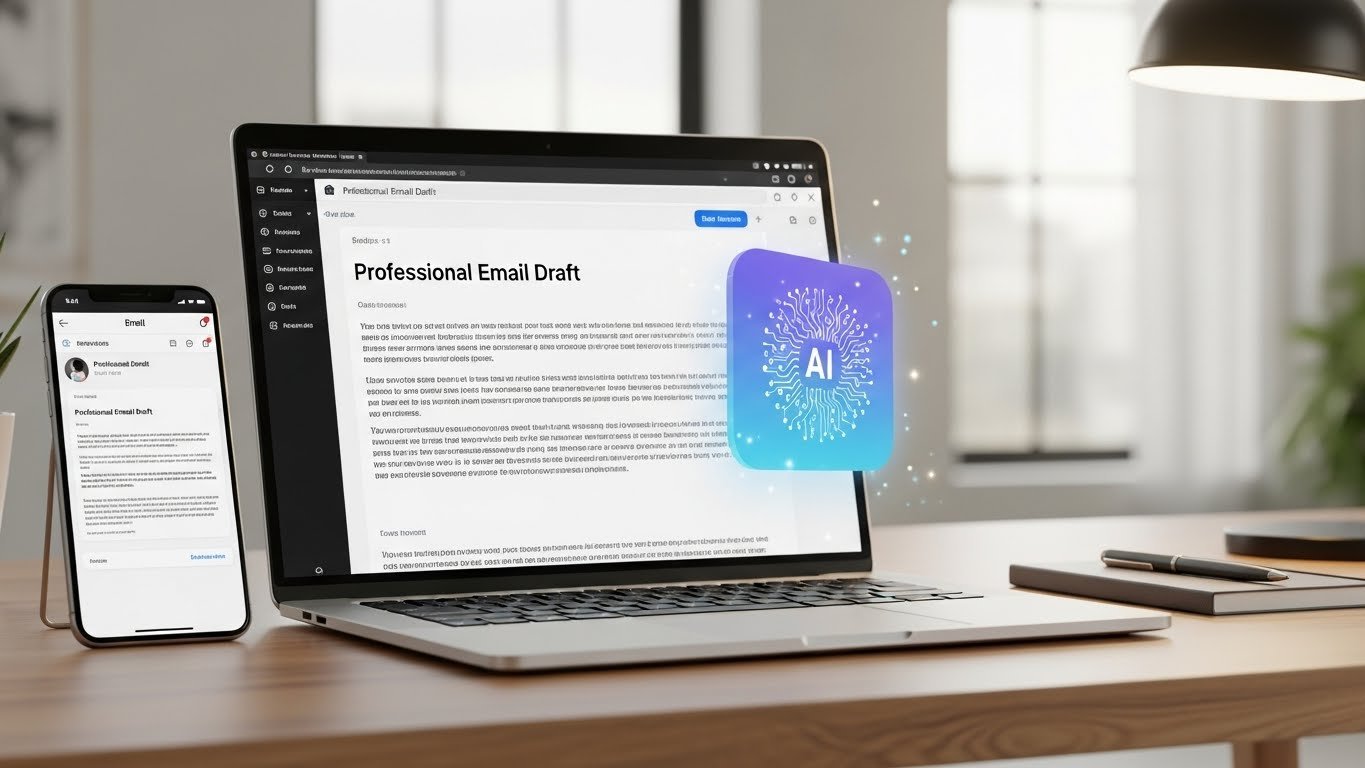
At their core, tools like Grammarly’s tone detector, Jasper’s templates, or even the baked-in suggestions in Gmail and Outlook are predictive text on steroids. They analyze the context of your draft, a few keywords, and a previous email in the threa,d and generate coherent, grammatical text. The immediate benefit is undeniable: overcoming blank page syndrome.
Staring at a blinking cursor, wondering how to politely chase an overdue invoice? A tool can draft a firm but professional nudge in seconds. It’s fantastic for generating first-pass copy for routine communications: meeting summaries, brief status updates, or standard networking outreach.
But here’s the practical, hands-on truth I’ve learned: these tools are brilliant secretaries and terrible strategists. They excel at the how but are blind to the why. Let me give you a real case study from my consulting work. A client was using an AI tool to automate their sales outreach. The emails were flawless, with perfect grammar, persuasive structure.
Their open rates were decent, but their reply rates were abysmal. Why? Because the AI, trained on millions of generic sales emails, was producing expertly written clichés. It couldn’t incorporate the specific, quirky detail the sales rep had noted from a prospect’s LinkedIn post about sailing. When we switched the process using the AI to polish a human-drafted, detail-rich message, reply rates tripled. The tool’s value wasn’t in creation, but in refinement.
This gets to the heart of ethical and effective use. The major pitfall is authenticity erosion. If you lean too heavily on AI generation, your voice, the unique blend of phrasing, rhythm, and personality that builds real professional relationships, gets diluted. People can smell generic, mass-produced text.
Trust isn’t built by perfect syntax; it’s built by human nuance. I use these tools as an editor, not a ghostwriter. I’ll dump my messy, bullet-pointed thoughts into a draft, then use the AI to rephrase a clunky sentence, adjust the tone from “direct” to “diplomatic,” or ensure I haven’t repeated the same verb three times in a paragraph.
Another critical limitation is context blindness. An AI might suggest a perfectly reasonable sentence that inadvertently contradicts a subtle point made three emails ago in a long thread. It doesn’t understand office politics, sensitive histories, or unspoken client expectations. You, the human, must remain the conductor, overseeing the entire symphony of communication, not just the last note.
So, what’s my practical workflow for professional emails in 2024?
- Brainstorm & Bullet Points: I always start by jotting down my core message, goal, and any crucial details in raw, human notes.
- Draft Freely: I write a first draft myself, voice and all, even if it’s rough. This preserves my intent and authenticity.
- AI as Editorial Partner: Here’s where the tool comes in. I use it for specific tasks:
- Final, Human Pass: I read the entire email aloud. This is non-negotiable. Does it sound like me? Does it align with my strategic goal? I revert any “corrections” that strip out my genuine voice.
The SEO keywords for this topic, think AI email writing, professional email assistant, improve email productivity, Grammarly alternatives, email tone checker, point to a real need: we all want our communication to be more effective and less draining. The tools that address this are powerful, but they are amplifiers, not oracles. They amplify your efficiency and polish, but they can also amplify mediocrity if your original input lacks strategic thought.
In the end, the most professional email is one that achieves its goal while strengthening a human connection. An AI can help you avoid errors and save time, but it cannot instill empathy, nuance, or strategic insight. Use it to handle the brushwork, but you must always hold the vision.
FAQs on AI Email Writing Tools
Q: Will using an AI email tool make my writing sound robotic?
A: Only if you let it. Use it to edit and refine your own drafts, not to generate entire emails from scratch. Always add a final human pass for voice and nuance.
Q: Are these tools secure for confidential business information?
A: You must check the privacy policy of each tool. Many reputable ones process data locally or with strict confidentiality agreements, but avoid pasting highly sensitive data (e.g., unreleased financials, personal employee data) into unknown web tools.
Q: What’s the best tool for beginners?
A: Start with the built-in suggestions in your email client (like Gmail’s “Help me write”) or a free-tier tool like Grammarly. They offer low-stakes ways to learn the assistive function without over-relying on it.
Q: Can AI tools help with email marketing campaigns?
A: Yes, for generating idea variants, A/B testing subject lines, or cleaning up copy. However, the core creative strategy and audience understanding must be human-driven to avoid generic, ineffective campaigns.
Q: Is it considered unethical or dishonest to use AI for work emails?
A: Not if used transparently as an aid, much like a spellchecker or a thesaurus. The ethical line is crossed if you use it to generate communication that misrepresents your own capabilities or knowledge to a client or employer.

Related Posts