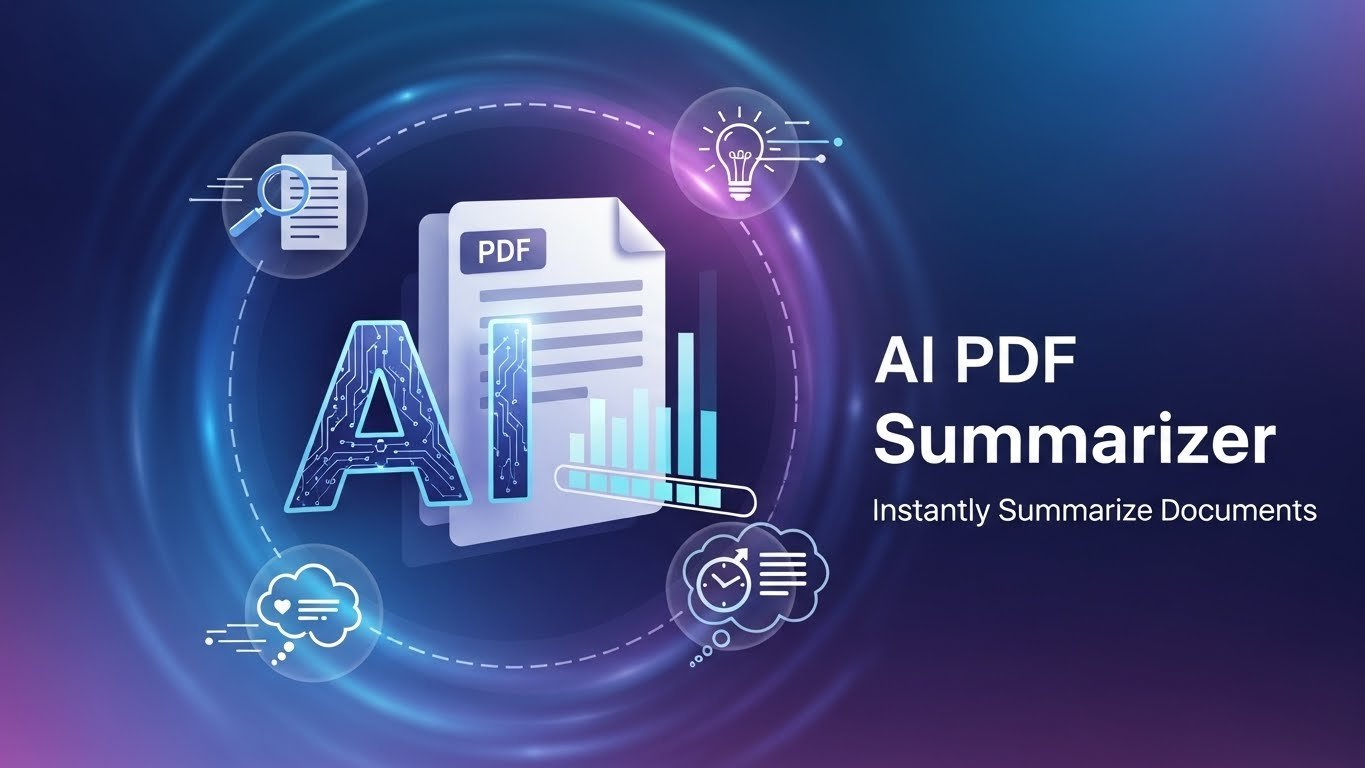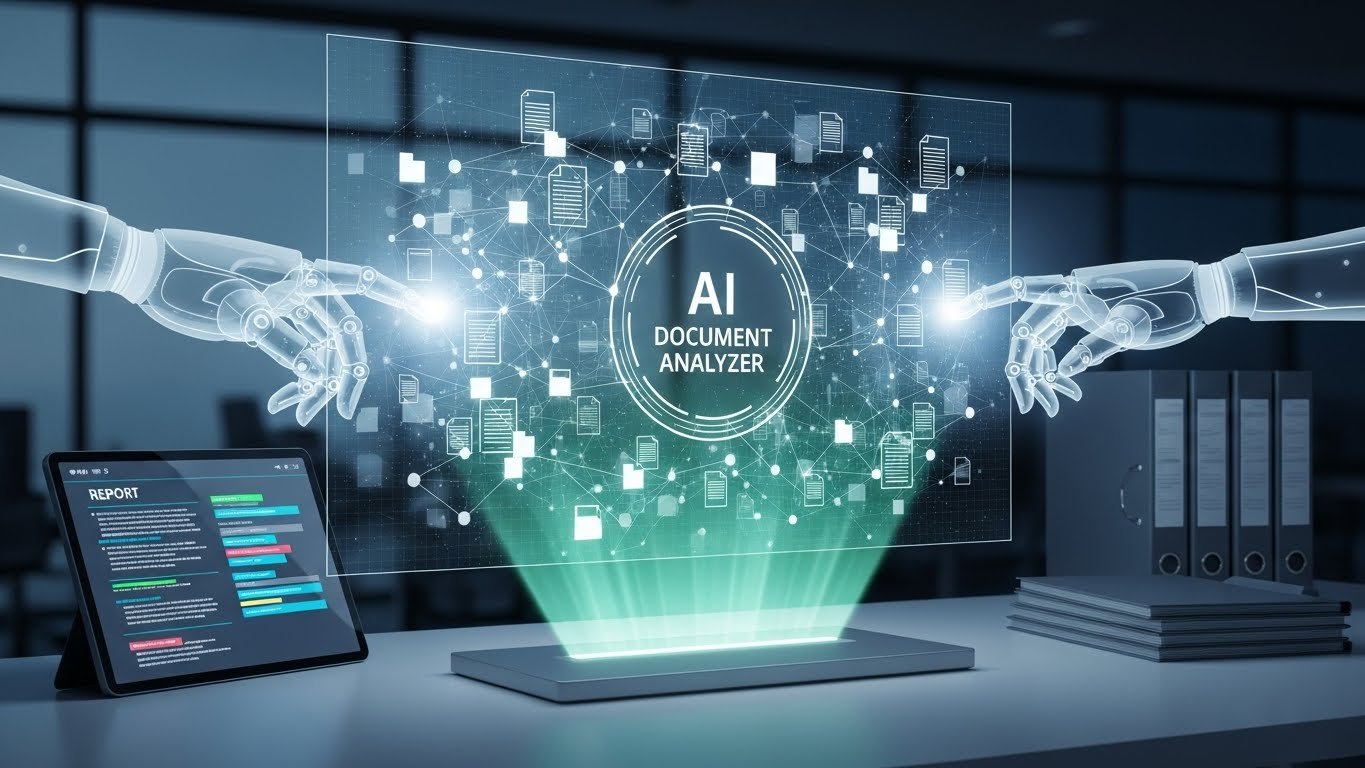
I’ve lost count of how many hours I’ve spent highlighting, copying, and pasting from 80-page research papers or client contracts. A few years ago that was just life. Now, I open the same PDF, type “Summarize the risk allocation in section 4.2” and get a coherent paragraph in seconds. The shift happened because “chat with PDF” tools finally matured.
Why Plain Old Ctrl+F Stopped Cutting It
Traditional search is literal. It finds “force majeure” but doesn’t understand that the clause is actually hidden under “unforeseen events.” Modern AI PDF chat tools use retrieval-augmented generation (RAG): they chunk the document, embed the chunks, retrieve the most relevant ones, then let a large language model reason over them. The result feels like talking to a very well-read intern who never sleeps.
The Main Approaches in 2026
- Dedicated PDF-first platforms
- ChatPDF, Humata, PDF.ai, AskYourPDF
- Strengths: Dead-simple upload-and-chat, citation highlighting, multi-PDF comparison
- Weaknesses: Smaller context windows, occasional hallucinations on tables
- All-in-one knowledge assistants
- Claude Projects, ChatGPT Custom GPTs / Memory, Perplexity Collections, Gemini 1.5 with file upload
- Strengths: Bigger models, better reasoning, ability to combine PDFs with web search or code
- Weaknesses: Less visual focus on the document itself
- Open-source / self-hosted
- AnythingLLM, RAGFlow, LlamaIndex + Streamlit
- Best for privacy-conscious teams or people who want full control over embeddings and models.
Real-World Use Cases That Actually Save Time
- Lawyers & contract review
A mid-size firm I consult for dropped its average NDA review from 45 minutes to 8 by asking:- “List all obligations that survive termination.”
- “Which clauses reference GDPR Article 28?”
- Researchers & students
Instead of reading 15 papers sequentially, they ask:- “What are the main methodological criticisms of Transformer-based models in the provided papers?”
The tool synthesizes across documents.
- “What are the main methodological criticisms of Transformer-based models in the provided papers?”
- Investors doing due diligence
Upload the data room, then:- “Show me every mention of ‘churn rate’ or ‘retention’ and the surrounding context.”
Choosing the Right Tool: Quick Decision Tree
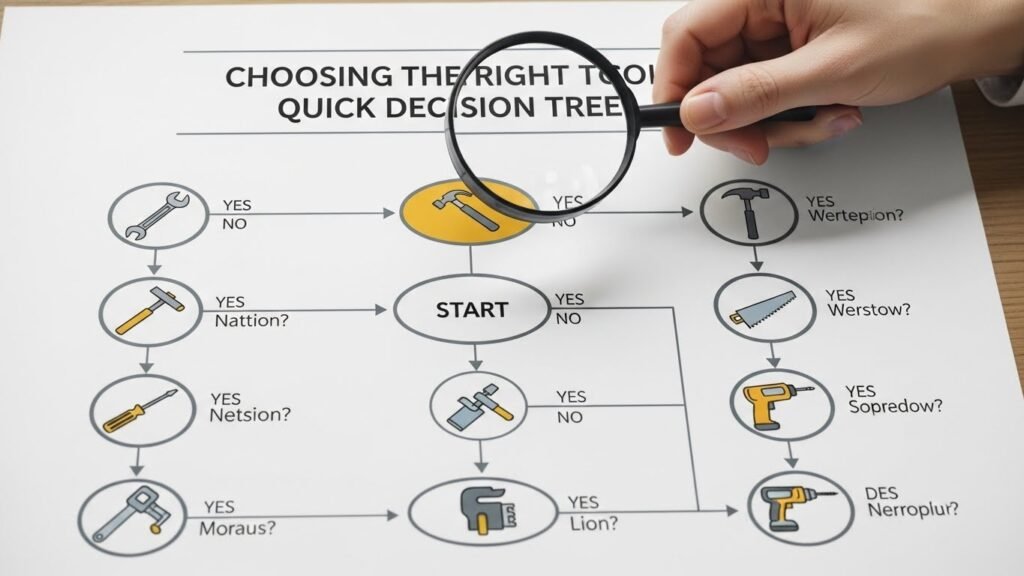
- Need citations highlighted in the PDF? → ChatPDF or PDF.ai
- Working with 100+ page docs or multiple files? → Claude Projects or Gemini 1.5
- Is privacy non-negotiable? → AnythingLLM + local LLM (Llama 3.1 70B or DeepSeek)
- Want free + decent quality? → ChatGPT-4o mini + memory or Perplexity
Common Pitfalls (and How to Avoid Them)
- Over-relying on summaries
AI is great at compression, terrible at nuance. Always jump to the cited page. - Bad chunking = bad answers
Some tools split tables or code blocks horribly. If answers feel off, try a different platform or manually split the PDF. - Hallucinations still happen
In 2026 they’re rarer, but when they occur they’re confident. Cross-check numbers and quotes.
The Privacy Question
Most hosted tools store your files temporarily (or indefinitely if you don’t delete). If you work with NDAs, patient data, or IP, either:
- Use enterprise plans with zero-retention (Claude, ChatGPT Enterprise)
- Or run locally with Ollama + PrivateGPT-style stack
Where Things Are Heading
We’re moving from “chat with one PDF” to “chat with your entire knowledge base.” Tools like Mem, Notion AI, and Microsoft Copilot already blur the line between notes, emails, and documents. By late 2026, the distinction between “PDF AI” and “personal second brain” will be almost meaningless.
FAQs
What is the best free tool to chat with PDF?
ChatGPT-4o mini or Perplexity (both allow file upload and decent context).
Can AI read scanned PDFs?
Yes, if the tool has built-in OCR (Humata, PDF.ai, and Claude do it well).
Is it safe to upload confidential documents?
Only on enterprise plans with zero-retention or self-hosted setups.
Which model is best for long PDFs?
Gemini 1.5 Pro (up to 1M tokens) or Claude 3.5 Sonnet with Projects.
Do these tools replace reading the document?
No. They replace searching and note-taking, not judgment.

Related Posts