When you scroll through a social feed or browse an online marketplace, the visual appeal of a picture often decides whether it gets a second glance. Sharp details, balanced colors, and minimal noise are no longer optional; they’re expected. That pressure has driven many creators, marketers, and everyday shutterbugs to experiment with tools that promise a quick fix: an AI image enhancer that can improve image quality without a steep learning curve.
What an AI Image Enhancer Actually Does
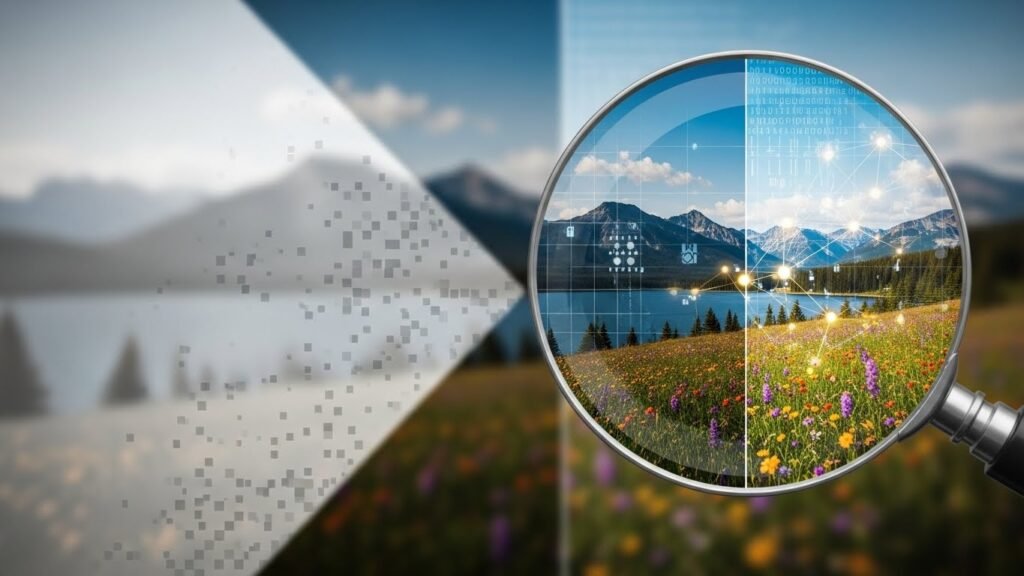
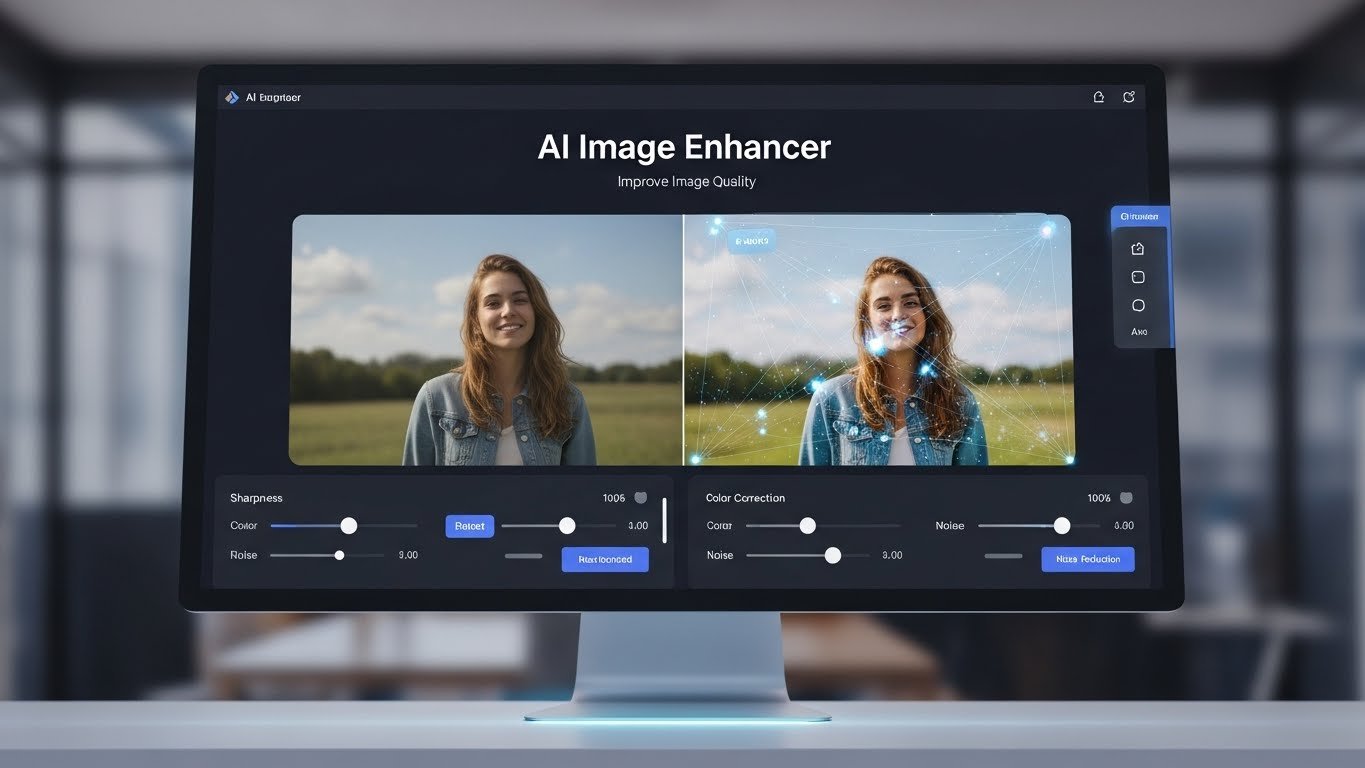
At its core, an AI image enhancer is a piece of software that uses machine‑learning models to analyze a photo, identify patterns, and then reconstruct missing or degraded elements. Think of it as a digital darkroom assistant that can upscale a low‑resolution JPEG, reduce grain in a night‑time shot, or bring out subtle color gradients that the naked eye might miss. The magic happens in milliseconds, thanks to models trained on millions of images.
Why does this matter?
- Upscaling with realism – Older cameras often captured at 12‑ or 16‑megapixel resolutions. When those files are blown up for large prints, they can look blocky. An AI enhancer can add plausible detail, making the enlargement feel native rather than pixelated.
- Noise reduction without smoothing A high ISO shoot in a dimly lit venue may be riddled with grain. Traditional filters blur the grain away, sacrificing texture. Modern AI preserves edges while smoothing the noise, keeping the gritty authenticity of the scene.
- Color and tone restoration Faded scans of vintage photographs often lose contrast. AI models can infer the original tonal range and bring back depth, turning a washed‑out snapshot into a vivid memory.
Real‑World Benefits You’ll Notice

When I was helping a friend launch a boutique coffee‑shop Instagram account, we ran into a classic problem: the owner loved shooting on a vintage 35mm camera, but the images looked under‑exposed on the web. After uploading a few shots to an AI image enhancer, the results changed dramatically. The coffee steam became crisp, the wooden table’s grain stood out, and the overall vibe felt more inviting, exactly the aesthetic the brand needed.
The same workflow can benefit e‑commerce sites. Product listings that feature high‑resolution, clean images see higher conversion rates. One study from a major online retailer showed a 12 % lift in sales after they replaced low‑quality thumbnails with AI‑enhanced versions, simply because shoppers could see texture and material details more clearly.
Even in professional photography, AI enhancers serve as a safety net. Landscape photographers who shoot in harsh, high‑contrast light often lose detail in shadows. By applying a modest enhancement, they retrieve subtle rock formations that would otherwise be lost, saving hours of manual dodging and burning in post‑processing.
Choosing the Right Solution
Not all AI image enhancers are created equal. A good rule of thumb is to look for tools that let you control the strength of enhancement on a per‑pixel basis. Some platforms offer “light,” “medium,” and “heavy” modes; the “medium” setting usually strikes the best balance between detail recovery and natural appearance.
Also, consider format support. If you frequently work with RAW files, a solution that accepts DNG or NEF without converting to JPEG will save you a step. Batch processing capabilities matter too, being able to apply the same enhancement to dozens of images in one go can shave days off a tight deadline.
Pricing models vary. Subscription services often bundle cloud storage, while one‑time purchases may limit you to desktop software. For freelancers on a shoestring budget, a free tier with limited monthly credits can be a practical starting point, especially when the output still meets client expectations.
Limitations and Ethical Considerations
Even the most sophisticated AI enhancer has its boundaries. When a photo is severely blurred or missing large portions, think of a heavily compressed, pixelated screenshot, the model can only guess at missing information. The result may look plausible, butit can introduce artefacts that a seasoned eye will spot.
Another concern is authenticity. In journalism or documentary work, presenting an AI‑enhanced image as an unaltered capture can mislead audiences. Ethical guidelines increasingly call for transparency when computational processing has significantly altered visual content. If you’re publishing images for editorial purposes, a brief note in the caption enhanced for clarity using AI is a responsible practice.
Lastly, reliance on AI can lead to a homogenization of style. When many creators use the same preset or default settings, their visual output may start to look alike, losing the personal signature that differentiates a photographer’s brand. Experimenting with custom parameters and blending AI output with traditional editing techniques can preserve that individuality.
A Practical Walkthrough
To illustrate how this works in practice, let’s walk through a simple scenario:
- Select the image – Open a low‑resolution JPEG taken at a concert.
- Choose the enhancement level – Set the tool to “medium” to avoid over‑sharpening.
- Run upscale – The software will add roughly 2× the original pixel dimensions while preserving edges.
- Fine‑tune tone – Adjust exposure and color balance if needed; many AI enhancers include a built‑in color correction module.
- Export – Save the final file as a high‑quality PNG for web use or as a TIFF for print.
The entire process can be completed in under five minutes, delivering a result that would otherwise require a skilled retoucher and several hours of work.
Final Thoughts
An AI image enhancer is not a silver bullet, but it’s a powerful ally for anyone who wants to present visuals that stand out in a crowded digital landscape. By understanding what the technology can and cannot do, you can set realistic expectations, apply it ethically, and ultimately produce images that feel both polished and genuine.
Frequently Asked Questions
Q: Does an AI image enhancer replace traditional editing software?
A: It complements it. Use the enhancer for quick quality upgrades, then move to Photoshop or Lightroom for detailed color grading and retouching if needed.
Q: Will upscaling always increase file size?
A: Yes, because more pixel data is generated. However, modern compressors can keep file sizes reasonable while preserving quality.
Q: Is AI enhancement safe for print?
A: Generally, yes, as long as you export at the required DPI (300 dpi or higher) and verify that the image remains sharp at the intended size.
Q: How do I know if the enhancement introduced artefacts?
A: Zoom in to 100 % on key areas edges, hair, or text. Unnatural halos, repetitive patterns, or blurry spots often signal over‑processing.
Q: Can I share AI‑enhanced images on social media without disclosure?
A: While not always legally required, many platforms and publications encourage transparency to maintain audience trust. A simple hashtag like #enhanced can be enough for casual posts.
By keeping these points in mind, you can harness AI image enhancement responsibly, delivering photos that captivate and convey your intended story.

Related Posts