I’ve spent the better part of three years working with photographers, e-commerce clients, and design agencies who constantly wrestle with the same problem: images that aren’t quite sharp enough, detailed enough, or large enough for their needs. Whether it’s rescuing old family photos or preparing product shots for massive billboard prints, image upscaling has become an essential skill in my toolkit.
Let me walk you through what actually works in 2026, based on real projects and genuine testing—not just spec sheets and marketing claims.
Why Image Upscaling Matters More Than Ever
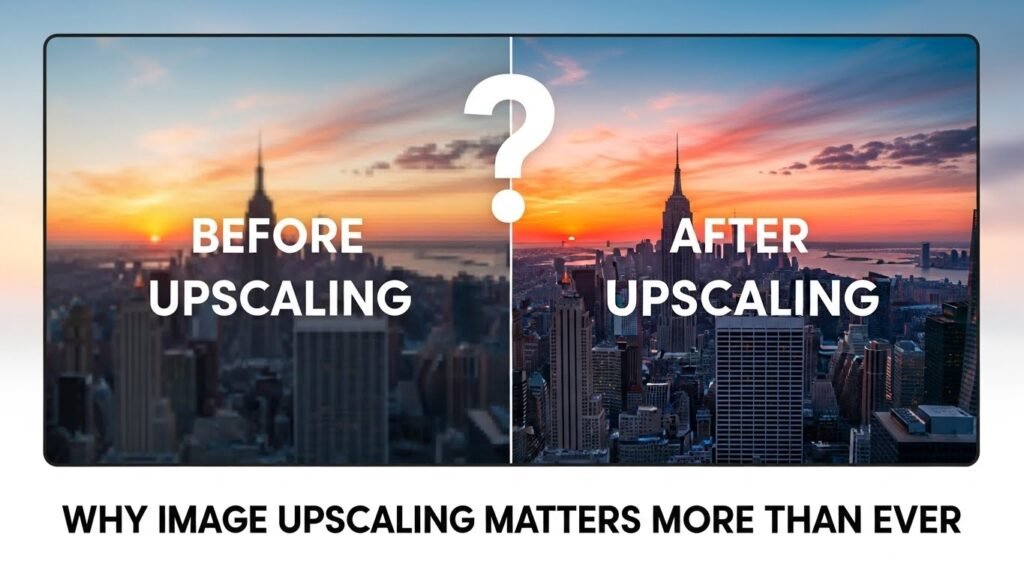
Print demands haven’t decreased. If anything, clients expect sharper results across more platforms. A product photo shot for Instagram suddenly needs to work on a trade show backdrop. That vintage wedding portrait needs restoration for a 40th anniversary gift.
Traditional upscaling basically stretching pixels creates muddy, blurry results. Modern upscalers analyze image patterns, predict missing details, and reconstruct textures in ways that genuinely feel like magic when you first see them work.But here’s the catch: not all tools perform equally across different image types. Some excel at faces, others at landscapes, and some handle compression artifacts better than the rest.
Top Upscaler Tools Worth Your Time
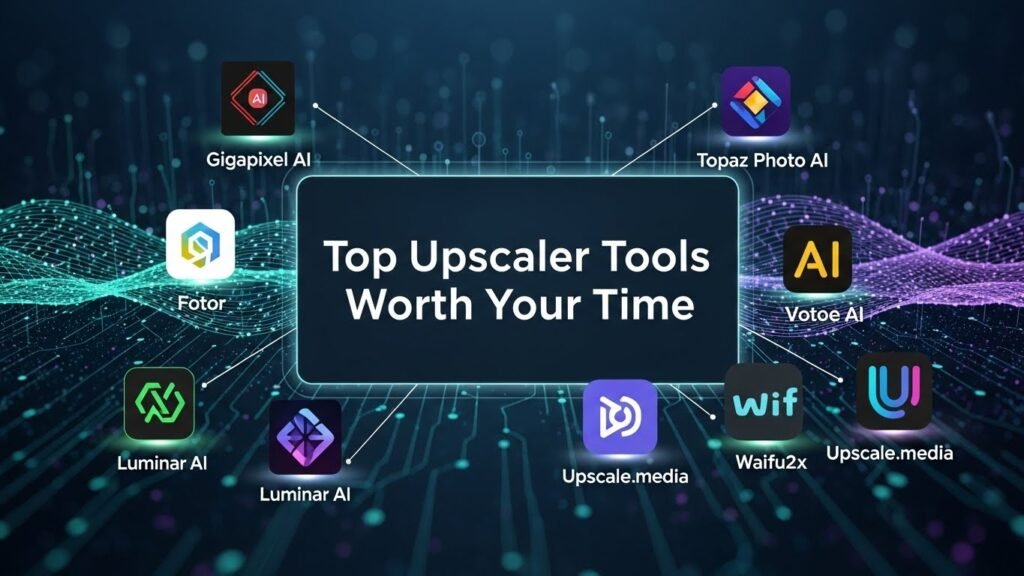
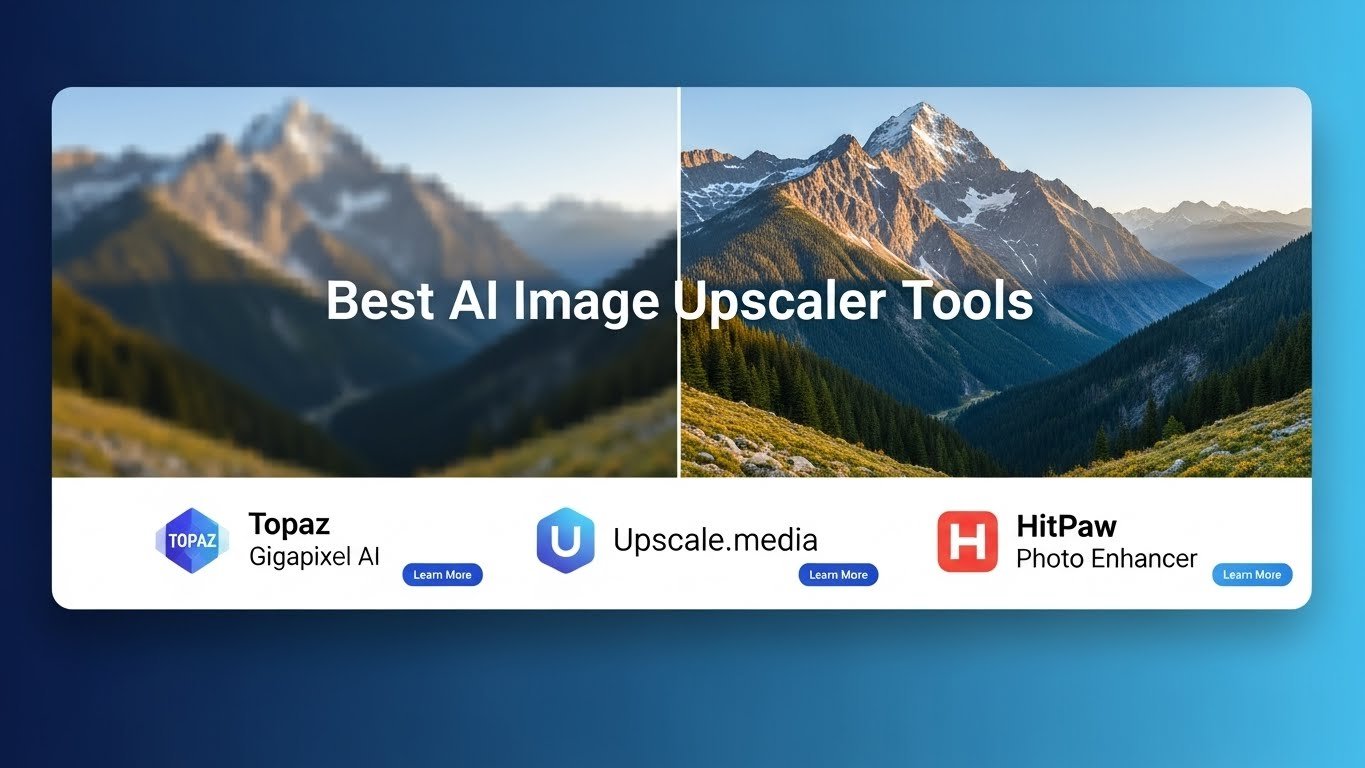
Topaz Gigapixel AI
This is my workhorse. I’ve processed thousands of images through Gigapixel, and it consistently delivers the most natural-looking results for photography work.
What makes it stand out is the control it offers. You can adjust face recovery strength independently, choose different enhancement models, and process batches overnight. For a client project involving 200+ archival newspaper photos, Gigapixel recovered facial details I genuinely didn’t expect to see.The downside? It’s not cheap around $99 for a perpetual license and it demands serious hardware. My older laptop struggles with anything above 4x upscaling.
Adobe Photoshop Super Resolution
If you’re already paying for Creative Cloud, this built-in feature deserves attention. Accessed through Camera Raw, Super Resolution doubles image dimensions cleanly and integrates seamlessly into existing workflows.I find it particularly effective for RAW files, where it has more data to work with. For JPEGs or heavily compressed images, dedicated tools typically outperform it.
Let’s Enhance
This browser-based option surprised me. For quick turnarounds when I’m working from my tablet or a client’s computer, Let’s Enhance handles the job without software installation.
Their smart enhancement automatically detects image type and applies appropriate processing. E-commerce clients especially appreciate the dedicated product photo modes that maintain clean backgrounds while sharpening product details.
The subscription model ($12/month for 100 images) makes sense for occasional users, though heavy usage gets expensive quickly.
Upscayl
Here’s one for the budget-conscious. Upscayl is completely free, open-source, and runs locally on your machine meaning no privacy concerns about uploading client images to external servers.The results aren’t quite Topaz-level, but they’re remarkably good for free software. I recommend it to freelancers just starting out or hobbyists experimenting with photo restoration.
Real-ESRGAN
Technical users and developers often prefer Real-ESRGAN for its flexibility. While it requires some command-line comfort, the results particularly for anime-style artwork and illustrations are exceptional.Several online tools actually run Real-ESRGAN under the hood, so you’re often using this technology without realizing it.
Choosing the Right Tool for Your Needs
Consider these factors honestly:
Volume matters. Processing five images monthly? Online tools work fine. Handling hundreds? Desktop software saves time and money.
Image type is crucial. Face-heavy photos need tools with dedicated facial reconstruction. Product photography benefits from edge preservation. Artwork requires different enhancement models entirely.
Quality expectations vary. Sometimes “good enough” truly is good enough. A social media post doesn’t need the same treatment as a gallery print.
Realistic Expectations
Even the best upscalers can’t create information that never existed. A blurry 100×100 pixel thumbnail won’t become a crisp poster image. These tools enhance and interpolate—they don’t perform miracles.
I always tell clients: start with the best source material available. Upscaling should be a last resort, not a substitute for proper image acquisition.
FAQs
How much can I realistically upscale an image?
Most tools handle 2-4x enlargement well. Beyond 6x, quality typically degrades noticeably.
Are free upscalers worth using?
Absolutely. Upscayl and browser-based options produce solid results for non-commercial needs.
Will upscaling fix blurry photos?
It improves perceived sharpness but cannot recover genuine focus issues or motion blur completely.
Which tool works best for old photos?
Topaz Gigapixel with face recovery enabled handles vintage photos exceptionally well.
Do online upscalers keep my images?
Policies vary. Always check privacy terms, especially for sensitive or client work.

Related Posts