Last spring, I spent three afternoons helping my childhood friend Lila update the product photos for her small handmade knitwear boutique, Maple & Wool. She’d spent a weekend shooting her new line of merino scarves and cable-knit beanies, but every shot was framed against her crumpled guest room bedsheet. She couldn’t afford a $200 studio backdrop, let alone a professional photographer.
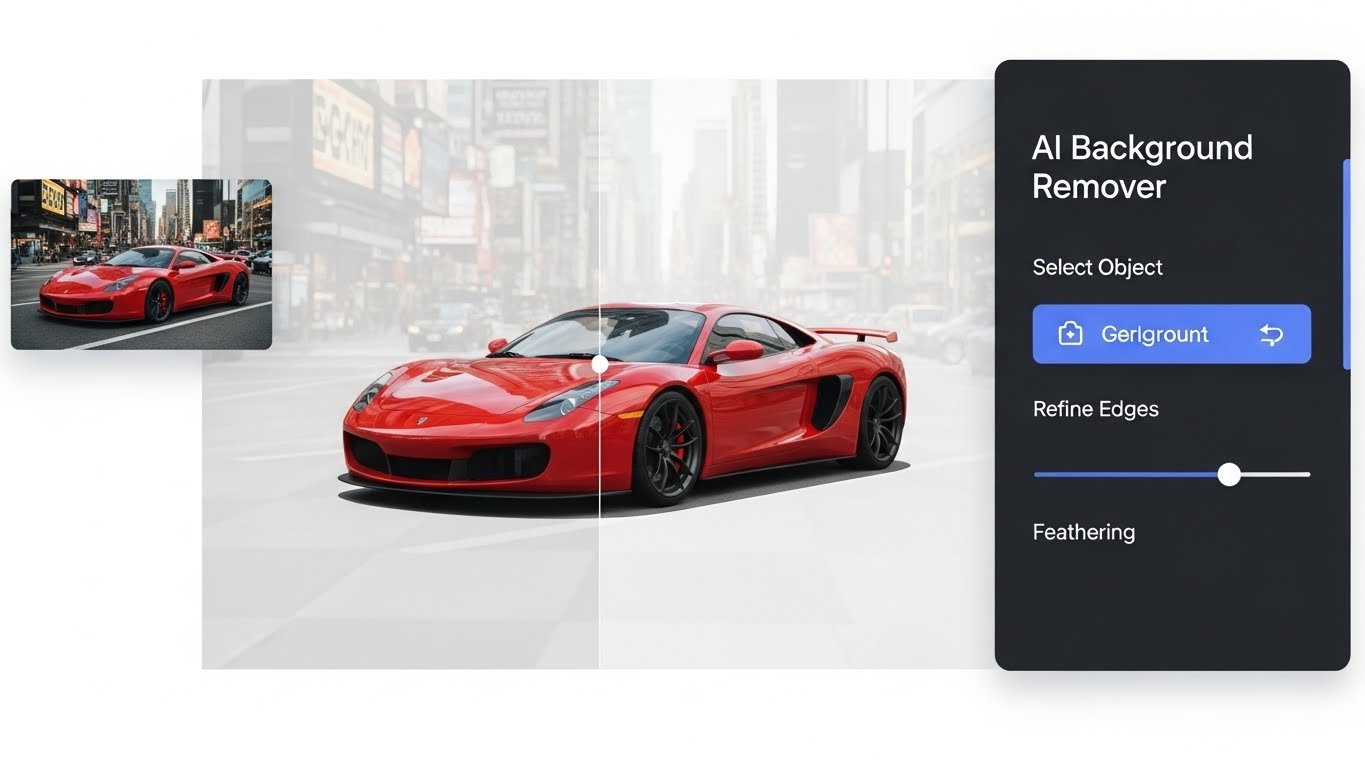
A decade ago, fixing that would have meant hunched over editing software for 20 minutes per photo, carefully tracing every loose wool strand until my eyes burned. This time, we had the entire batch edited, backgrounds removed, and replaced with a soft neutral gray in under an hour total, thanks to a reliable AI background remover for images.
For years, background removal was a skill reserved for trained photo editors. Early automated tools were nearly useless: they’d chop off the edges of delicate subjects, blur fine details, or fail to distinguish between a subject’s shadow and the background. Today’s top tools work using semantic segmentation, a method that lets the software recognize the difference between a single wool fiber and the sheet behind it, thanks to being trained on millions of labeled real-world images. It’s not magic, but it’s pretty close for small business owners and hobbyists who don’t have time to master advanced editing techniques.
The results for Lila’s store spoke for themselves. Three weeks after we updated her product pages, she texted me to say her conversion rate had jumped 18%, customers were no longer distracted by the messy bedsheet, and could focus on the texture and color of her knits. That’s the real value of these tools: they democratize professional-level visual content, so small brands don’t have to compete with big-box retailers on photo quality alone.
That said, these tools are not perfect, and I’ve learned their hard limits through trial and error. Last month, I worked with a local craft fair vendor who tried to use a free AI background remover on photos of her stained-glass suncatchers. The software couldn’t tell the difference between the clear glass panes and the white poster board background, erasing nearly 30% of each product.
I had to go in and manually restore the missing edges in editing software. Low-resolution photos, subjects with very fine or transparent details, and complex overlapping elements still stymie even the best tools.
Ethical considerations are also important to address. I’ve seen too many creators use these tools to cut corners in ways that violate trust or copyright. Last year, a local lifestyle influencer got called out for removing a street artist’s mural from a background shot of her outfit, claiming the photo was taken in a private studio.
Even if the tool lets you edit the image, you still need to hold the copyright or have explicit permission to use the original photo. For commercial use, it’s also important to avoid editing backgrounds to make a product appear in a location it’s not, as this can violate U.S. Federal Trade Commission advertising guidelines.
If you’re looking to use an AI background remover effectively, here are three quick tips I swear by from years of using these tools for clients: first, shoot your subject with clear contrast between it and the background (a dark subject on a light sheet, for example) to help the software pick up edges easily.
Second, always take 30 seconds to refine the auto-generated edge. Most premium tools let you brush in or erase parts of the selection to fix small mistakes like stray threads or soft shadows. Third, for commercial projects, opt for a paid tool instead of a free one: free tools often add watermarks, have strict usage limits, or offer lower accuracy for complex edits.
(Full disclosure: I don’t receive compensation for promoting any specific tools; I only recommend what has consistently worked for my small-business clients.)
FAQs
- Can AI background removers handle transparent objects?
Most top tools can handle mild transparency, but very thin or clear items like stained glass may require manual touch-ups. - Do I need to credit the tool I use?
Personal use usually doesn’t require credit, but always check the tool’s terms of service for commercial projects. - Will using an AI background remover violate copyright?
No, but you must own or have explicit permission to use the original image you are editing. - Are free AI background removers as good as paid ones?
Free tools work for simple tasks, but paid tools offer better edge accuracy, no watermarks, and full commercial usage rights.

Related Posts