Let’s be honest: being a freelancer is a juggling act. You’re writer, designer, project manager, accountant, and sometimes tech support all rolled into one. The pressure to deliver high-quality work quickly is relentless.
Over the last few years, I’ve navigated this chaos as a freelance content strategist and copywriter, and I’ve seen firsthand how the right AI tools can transform the way freelancers operate.
They’re not magic wands, but when used thoughtfully, they can shave hours off your workload and give you the breathing room you need to focus on what really matters: creativity and client satisfaction.
But before diving in, let’s be clear, AI is a tool, not a replacement. It can automate the mundane, spot patterns, and help you work smarter, but it still needs human oversight. The best freelancers leverage these tools as partners, not substitutes.
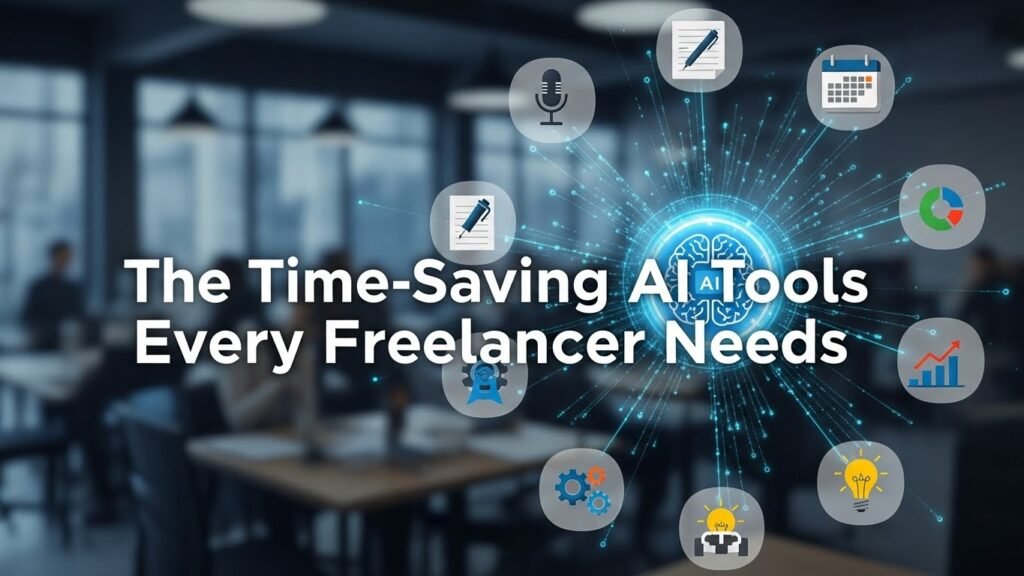
The Time-Saving AI Tools Every Freelancer Should Know
1. Writing and Editing Assistants
If your work involves writing, you’ve probably felt the sting of writer’s block or the drudgery of editing. Tools like Grammarly and ProWritingAid have long been staples, but newer players like Jasper, Copy.ai, and ChatGPT (used as a brainstorming partner, not a ghostwriter) bring fresh energy to the process.
For example, I once had a client who needed 20 product descriptions in a week. Instead of staring at a blank page for hours, I used Jasper to generate initial drafts.
I then spent a fraction of the time refining and personalizing them. The result? The client was thrilled with the turnaround speed, and I didn’t burn out in the process. Tip: Always fact-check and add your own voice. AI can suggest, but only you can make it authentic.
2. Project Management and Organization
Missed deadlines are a freelancer’s worst nightmare. Tools like Notion AI and Asana’s AI-powered features help automate task assignments, set reminders, and even suggest timelines based on your previous projects.
I rely on Notion for everything from content calendars to client briefs. Its AI-powered templates and databases save me from endless scrolling and clicking.
Trello’s Butler automation, combined with a dash of AI-powered analytics, can predict bottlenecks before they become problems. For instance, if you routinely forget to follow up with clients after a draft, Butler can nudge you automatically.
3. Invoicing and Financial Management
Let’s face it, billing is not why most freelancers became creatives. Tools like FreshBooks and QuickBooks now integrate AI to automate expense categorization, invoice generation, and even late-payment predictions.
I once lost thousands because a client payment slipped through the cracks. Since switching to AI-enhanced invoicing, those headaches have all but vanished.
4. Research and Idea Generation
Research is time-consuming, especially when you’re juggling multiple clients. Perplexity and Elicit are AI tools that can quickly summarize academic papers, extract key insights, or even generate outlines for reports.
During a recent content audit for a SaaS client, Elicit helped me sift through dozens of research articles in minutes, pulling out only the most relevant data points.
5. Design and Visual Content
Even if you’re not a graphic designer, clients often expect visuals. Canva’s Magic Write and Magic Design features use AI to suggest layouts, generate copy, and recommend images based on your brand palette.
I’ve used Canva to whip up social media graphics in a fraction of the time it would take in Photoshop, without sacrificing quality.
6. Communication and Meeting Notes
Transcribing meetings and summarizing action items used to eat into my productive hours. Otter.ai and Fireflies.ai now handle this with impressive accuracy. I can focus on the conversation rather than frantic note-taking. The automatic summaries are a lifesaver when I need to send follow-ups or track deliverables.
Real-World Case Study: How AI Cut My Workweek by 10 Hours
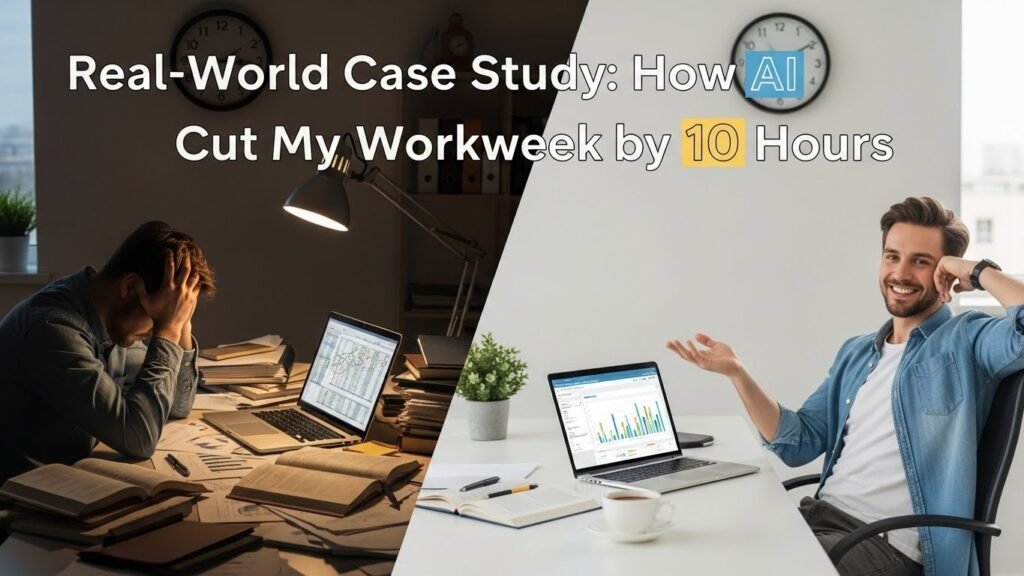
A few months ago, I took on a large retainer client who needed weekly blog posts, social media content, and analytics reports. Without AI, I estimated it would take 30 hours a week.
By integrating Jasper for drafting, Notion AI for planning, and Otter.ai for meeting notes, I cut my workload to about 26 hours. That extra four hours gave me space to deepen my research, refine my writing, and even take on a side project.
Limitations and Ethical Considerations
But here’s the reality check: AI tools are only as good as the data and prompts you give them. They can hallucinate facts, repeat biases, or generate bland, soulless copy if you’re not careful. I’ve had to correct more than my share of awkward AI-generated sentences and double-check every statistic.
Ethically, transparency matters. If a client asks about your process, be honest about using AI as a productivity aid, but clarify that you’re the one steering the ship. And always respect copyright and data privacy, don’t feed sensitive client information into public AI models.
Choosing the Right Tools: What to Look For
Not every tool is a fit for every freelancer. Before you subscribe to the latest shiny app, ask yourself:
- Does it solve a real pain point in your workflow?
- Is it easy to learn, or will it add to your cognitive load?
- How secure is it with your data?
- Does it integrate with your existing stack (e.g., Google Workspace, Slack, Trello)?
Start with one or two tools and build from there. You don’t want to end up juggling more apps than clients.
Final Thoughts
AI isn’t the future of freelancing, it’s the present. Used wisely, these tools can help you work faster, smarter, and with less stress. But they’re not a substitute for skill, judgment, or the human touch that clients value.
My advice? Experiment, iterate, and always keep your unique voice at the center of your work. The goal isn’t to replace yourself, but to empower yourself to do your best work.
FAQs
What are the best free AI tools for freelancers?
Grammarly (free version), Canva, and Notion all offer robust free plans with useful AI features.
Can AI replace freelance writers and designers?
No. AI can assist with drafting and ideation, but human creativity, context, and emotional intelligence are irreplaceable.
How do I ensure my work stays original when using AI?
Always edit and personalize AI outputs. Use plagiarism checkers and infuse your own voice and expertise.
Are AI tools secure for client data?
Most reputable tools offer strong data protection, but always review their privacy policies and avoid sharing sensitive information unnecessarily.
How much time can AI realistically save a freelancer?
It varies by field, but many freelancers report saving 10–20% of their work time with the right AI tools, especially in research, writing, and administrative tasks.

Related Posts