Over the past few years, I’ve watched a quiet shift happen in online business. The brands that grow fastest aren’t always the ones with the biggest teams or the most funding; they’re the ones that use AI tools intelligently. Not as gimmicks. Not as “set and forget” robots. As leverage.
If you run an online business, an e-commerce, coaching, SaaS, info products, or a service-based brand, you’re competing with companies that have already woven AI into their daily operations. The good news is you don’t need a data science team to catch up.
You just need to understand where AI actually moves the needle and how to implement it without wrecking your customer experience or your brand. Let’s break it down.
What AI Tools Really Do for an Online Business
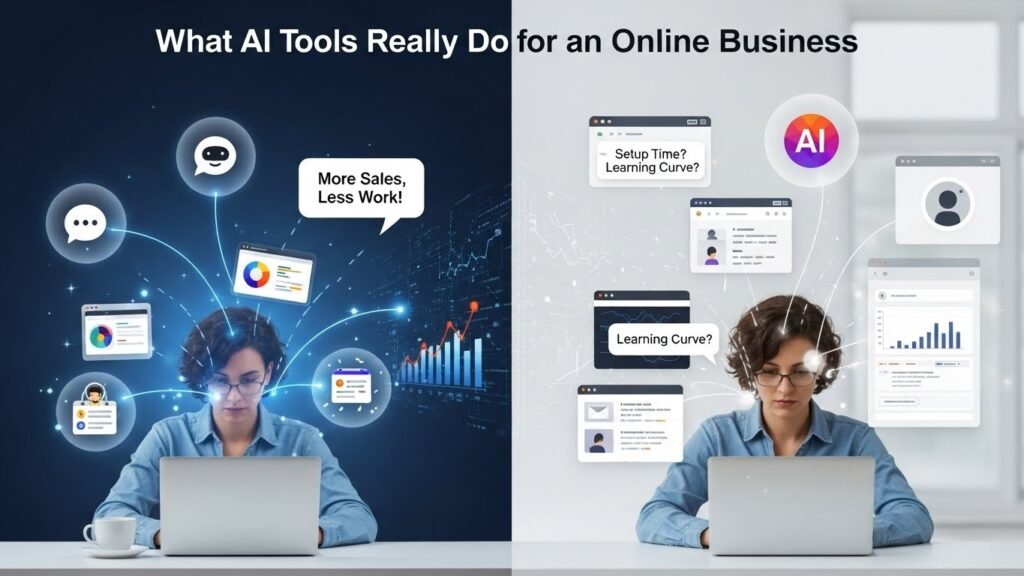
“AI tools” is a vague phrase. In practice, the most useful AI for online business falls into a few categories:
- Customer-facing tools: chatbots, AI support assistants, product recommendation engines
- Marketing tools: content assistance, ad optimization, email personalization
- Analytics & decision tools: predictive analytics, churn prediction, sales forecasting
- Operations & productivity tools: automation, document processing, meeting summaries, task routing
The goal is simple: do the repetitive, data-heavy, or pattern-recognition work better and faster, so humans can focus on strategy, creativity, and relationships.
Where AI Tools Actually Drive Online Business Success
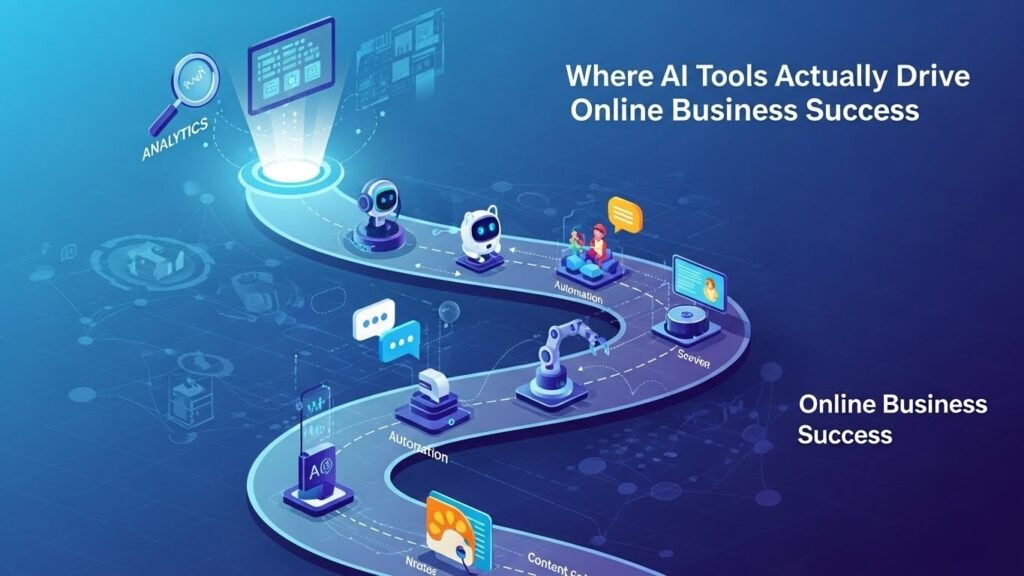
1. Customer Support and Sales
For most online businesses, support tickets are both a cost center and a sales opportunity. AI customer service tools help on both fronts.
A well-configured AI chatbot can:
- Handle FAQs (shipping, returns, order status, basic troubleshooting)
- Deflect 30–60% of repetitive tickets before they reach a human
- Recommend products based on browsing history or cart contents
- Escalate complex cases with full conversation context
For example, a mid-sized ecommerce brand can add a chatbot on the site and in social DMs. Customers get instant answers on order tracking at midnight; agents spend their time on tricky cases and higher-value interactions. The result is often higher CSAT scores and more upsells, not fewer jobs.
The catch: poorly trained bots are worse than no bot. If you deploy AI support, invest time in:
- Feeding it your actual help center articles, policies, and tone of voice
- Setting clear rules on when to hand off to a human
- Monitoring transcripts and continuously retraining
2. Marketing and Content Creation
Most online businesses underestimate how much time they burn on “blank page syndrome” staring at a subject line, ad, or caption.
AI marketing tools can:
- Draft email subject lines and variations
- Suggest ad copy tailored to different audiences
- Repurpose a long article into social posts or scripts
- Cluster keywords and identify SEO content gaps
- Personalize product recommendations in emails and on-site
A solo course creator, for instance, might use AI to generate a rough outline and first draft of a weekly newsletter, then spend 20 minutes editing it into their authentic voice. The speed advantage is huge, but quality still depends on the human edit.
The key is to use AI for first drafts, ideas, and structure, not final copy. Your brand voice should always have the last word.
3. Analytics and Decision-Making
Data isn’t your edge anymore. Interpreting it is.
AI-powered analytics tools can:
- Highlight patterns in traffic, conversion rates, and churn you’d never spot manually
- Predict which customers are likely to cancel or which leads are likely to buy
- Recommend pricing changes or discount strategies based on behavior
Take a subscription box business. An AI churn model flags customers likely to cancel next month. You can then target them with a specific offer, survey, or bonus. Even a small improvement in retention compounds into significant revenue.
But remember: these tools make suggestions, not decisions. You still need to apply context—seasonality, brand strategy, cash flow, and ethics.
4. Operations and Productivity
Behind every polished website is a mess of internal processes: invoices, SOPs, customer notes, vendor emails, and meetings.
AI operations tools help by:
- Extracting data from invoices and receipts
- Summarizing long email threads and meeting recordings
- Drafting SOPs from existing documents or recordings
- Routing tasks based on content (e.g., assigning tickets to the right team)
Used well, AI becomes the organizational glue that prevents information from getting buried. Used poorly, it becomes another layer of noise. The difference is having clear workflows and naming conventions, and making sure everyone on the team knows when and how to use the tools.
How to Choose AI Tools Without Getting Burned
The biggest mistake I see is “shiny object syndrome”: signing up for six different AI tools because they look impressive in demos.
A more sustainable approach:
- Start with a bottleneck, not a tool.
- Too many unfinished blog posts? Look at AI-assisted content.
- Overwhelmed support team? Look at AI helpdesk tools.
- Check integrations first.
If it doesn’t connect easily with your e-commerce platform, CRM, or email tool, you’ll either abandon it or drown in manual work. - Treat data privacy as a non-negotiable.
- Understand what data the tool stores and where.
- Check if it’s compliant with GDPR/CCPA if you sell to those regions.
- Be careful about feeding sensitive customer or financial data into any system.
- Pilot with one clear metric.
- Response time in support
- Cost per lead
- Time saved per week
Run a 30–60 day trial and decide based on numbers, not vibes.
Ethics, Limits, and Future-Proofing
AI tools can absolutely help you grow faster, but there are lines worth holding:
- Transparency: If a chatbot is answering, label it clearly. Don’t pretend it’s a human.
- Fairness: Be cautious about using AI in decisions that affect people’s livelihoods (e.g., loan approvals, hiring) without human oversight.
- Brand integrity: Over-automating your voice can make your brand feel generic. Keep humans close to customer-facing content.
- Vendor lock-in: Choose tools that let you export your data. Your business should never be trapped in a single platform.
The businesses that will win with AI aren’t the ones that automate the most. They’re the ones that automate the right things and keep human judgment at the center.
FAQs: AI Tools for Online Business Success
1. What’s the first AI tool an online business should try?
Usually an AI chatbot or AI-assisted email/marketing too support and marketing are where most businesses see quick, visible wins.
2. Are AI tools worth it for very small businesses or solopreneurs?
Yes, if you’re clear on the goal. Even saving 5–10 hours a week on content drafts or support can justify the cost.
3. How much do AI tools typically cost?
Entry-level plans often start around $20–$50/month per user or per site, with more advanced or enterprise setups running into hundreds or thousands per month.
4. Can AI replace my marketing team?
No. AI can speed up research, drafting, and testing, but it can’t replace strategy, deep customer understanding, or creative direction.
5. How do I avoid legal issues when using AI?
Use reputable tools, review their privacy policies, don’t upload sensitive data casually, and make sure your use complies with data protection laws in regions where your customers live. If in doubt, get legal advice.

Related Posts