I’ve been mentoring college students for over a decade now, watching them juggle essays, exams, and endless group projects. Back in my own undergrad days, we’d pore over dusty library books or beg friends for notes. Today? It’s a different world. AI tools for students have exploded onto the scene, making studying smarter, faster, and dare I say less soul-crushing. But let’s be real: not all shiny apps deliver. I’ve tested dozens hands-on, from beta trials to daily grinds with my tutees, and I’ll share what actually works in 2026.
These tools aren’t magic wands. They’re like a supercharged study buddy, great for brainstorming, organizing chaos, or cracking tough concepts, but they demand your brain at the wheel. Over-reliance? That’s a recipe for shallow learning and plagiarism flags. Ethically, always cite AI assistance (like you would a tutor) and use it to enhance, not replace, your work. Universities are catching up with policies, so check your school’s guidelines.
Note-Taking and Organization: Tame the Chaos
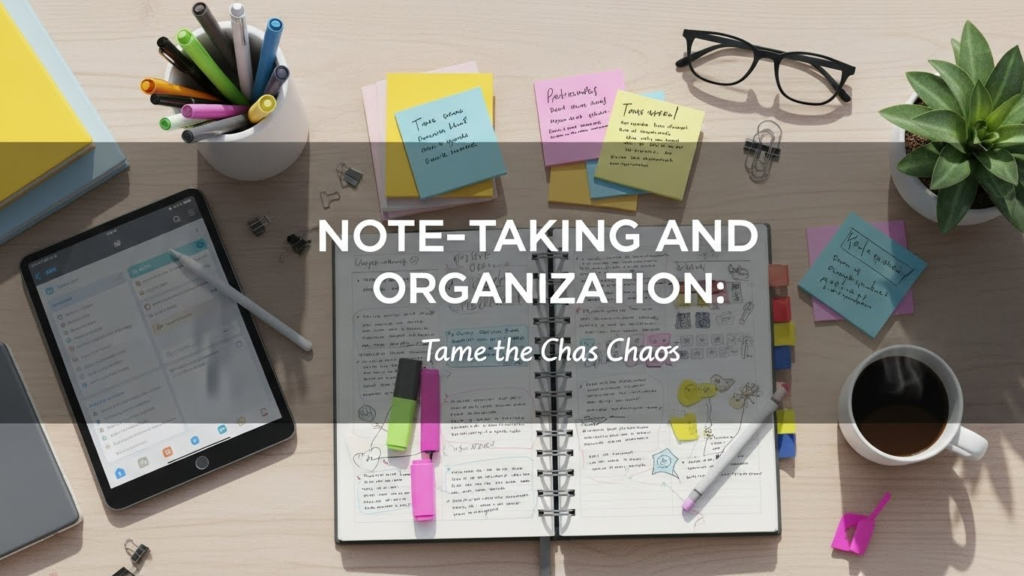
First up: capturing lectures without missing a beat. Otter.ai tops my list for transcribing Zoom classes or in-person talks in real-time. It spits out searchable notes with speaker IDs, timestamps, and even summaries. One student I worked with, a bio major drowning in 90-minute lectures, cut her review time in half. Pro: Integrates with Google Calendar. Con: Free tier limits minutes; premium’s $10/month.
Notion AI takes it further, turning bullet points into polished outlines or flashcards. It’s like having a personal wiki builder. I once helped a history kid organize a messy thesis. Notion AI suggested timelines and cross-references, saving days. Pair it with its databases for project tracking. Downside: Steep learning curve if you’re not tech-savvy.
Research and Writing: From Blank Page to Brilliance

Googling endlessly? AI research tools like Perplexity.ai or Elicit.org are game-changers. Perplexity pulls cited sources instantly, answering queries like “best evidence on climate change impacts in 2026.” No more wading through Wikipedia rabbit holes. My journalism advisee used it to fact-check a 2,000-word piece, boosting her grade from B to A-.
For essays, Grammarly’s AI goes beyond spellcheck now with generative rewrite suggestions and plagiarism detection. It’s evolved since its early days; the premium version ($12/month) even tailors tone for academic writing. But beware: it can over-suggest, homogenizing your voice. QuillBot paraphrases ethically, ideal for non-native speakers refining drafts without copying.
ChatGPT (via OpenAI’s free tier or Plus at $20/month) shines for brainstorming. Prompt it with “outline a psych paper on cognitive dissonance, include real studies,” and it’ll deliver. A case study: engineering student Alex struggled with lab reports. We fed ChatGPT his raw data; it structured analyses, then he tweaked for authenticity. Result? Straight A’s, zero AI detectors pinging.
Studying and Problem-Solving: Ace Exams Effortlessly

Math whiz or nah? Wolfram Alpha solves equations step-by-step, explaining like a patient prof. Photomath scans homework problems via an app perfect for calculus crunches. I saw a high schooler turn F’s into B+’s by using it to grasp derivatives visually.
Quizlet’s AI Magic Notes generates study sets from your uploads, complete with quizzes. For med students memorizing anatomy, it’s gold. Duolingo Max uses AI for personalized language drills, adapting to your weak spots.
Productivity boosters like Todoist AI prioritize tasks, while the Forest app gamifies focus (AI suggests break times). Forest helped one overwhelmed freshman block distractions during finals week.
Real Talk: Pitfalls and Pro Tips
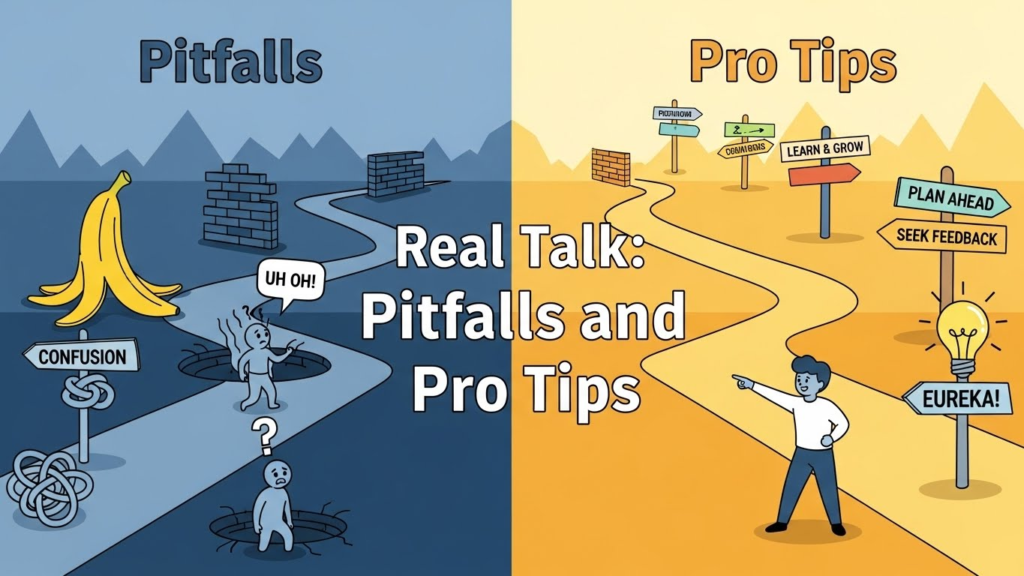
I’ve seen flops, too. Early AI like Jasper overhyped for students, too corporate, pricey. Tools like these falter on niche topics (e.g., obscure lit theory) or biased data. Always verify outputs; AI hallucinates facts. Privacy? Use incognito modes; some log queries.
Ethically, treat AI as a scaffold. A balanced approach: 80/20 rule AI for grunt work, you for insight. Track progress; one tutee journaled AI vs. solo sessions, refining her prompts over time.
In 2024, with multimodal AI like Gemini rising (handles images/PDFs brilliantly), expect more integration into LMS like Canvas. But in human elements discussions, creativity remains irreplaceable.
Bottom line: These best AI tools for students amplify potential if wielded wisely. I’ve watched shy underachievers bloom into confident scholars. Dive in, experiment, and own your education.
FAQs
What are the best free AI tools for students?
Otter.ai (basic transcription), ChatGPT free tier, Wolfram Alpha, and Quizlet AI.
Can AI tools help with homework without cheating?
Yes, for brainstorming, explanations, and practice, always edit and cite to stay ethical.
Are AI writing tools detectable by professors?
Many are, via tools like Turnitin. Original edits make them harder to spot.
Which AI tool is best for math homework?
Wolfram Alpha or Photomath for step-by-step solutions.
How do I prompt AI effectively for studying?
Be specific: “Explain photosynthesis like I’m 10, with examples and quiz questions.”

Related Posts