
A year ago, I watched a bright, organized student torpedo a perfectly decent grade because they leaned too hard on an AI writing tool. The essay read smoothly too smoothly. The professor flagged it not because “AI detectors” caught it (those are notoriously unreliable), but because the paper didn’t sound like the student in class. The citations were shaky, the argument was oddly generic, and when asked to explain a key paragraph, the student couldn’t. That’s the real risk with AI tools for assignments: not getting “caught,” but outsourcing your understanding.
Used well, though, AI can be a genuine study partner especially for planning, clarifying concepts, and tightening up your work. The key is knowing which tools fit which tasks, and where the ethical lines sit for your school.Below is a practical, experience-based guide to using AI responsibly for assignments, with the benefits, pitfalls, and the workflows I’ve seen actually improve outcomes.
What “AI Tools for Assignments” Really Means
In the academic context, AI tools typically fall into a few buckets:
- Writing assistants (drafting, rewriting, tone adjustments)
- Research helpers (summaries, topic exploration, citation support)
- Math and STEM solvers (step-by-step problem solving, code help)
- Study tools (flashcards, quizzes, concept explanations)
- Productivity tools (outlining, project planning, time management)
Most students start with writing tools because that’s where the pain is—blank page, unclear thesis, messy structure. But the best long-term gains often come from using AI for learning rather than producing.
The Best Ways to Use AI Tools (Without Undermining the Assignment)

1) Brainstorming and narrowing a topic
If you’ve ever stared at an assignment brief thinking, “I don’t even know what to write,” AI can help you generate angles and research questions quickly.
Good use: “Give me 10 debatable thesis ideas about fast fashion and environmental policy, aimed at a first-year university level.”
Better use: Ask it to list pros/cons, common counterarguments, and what evidence types you’d need.
What you’re looking for isn’t a ready-made essay—it’s a map of the territory.
2) Building an outline that actually holds together
Outlines are underrated. A decent outline can turn a painful 8-hour writing session into a manageable 3–4 hour push.
AI can help you structure:
- Introduction with context + thesis
- 2–4 body sections that each argue one point
- Counterargument section
- Conclusion that synthesizes, not repeats
Tip from the trenches: If your outline looks like a list of “facts,” it’s weak. Ask the tool to rewrite each section title as a claim (e.g., “Social media increases political polarization by…”). That forces argument-driven writing.
3) Explaining concepts in plain language
This is where AI shines: breaking down confusing material.
I’ve seen students use it successfully in economics (“explain inflation expectations like I’m 15”), psychology (“difference between correlation and causation with examples”), and programming (“what does this error message mean?”).
Rule of thumb: If you can’t explain it back in your own words after reading the AI’s explanation, you’re not done.
4) Editing and improving clarity
Grammar checking and clarity improvements are among the safest uses of AI tools for assignments, because you still generate the ideas.
Use AI to:
- tighten wordy paragraphs
- improve transitions
- fix awkward phrasing
- adjust tone (more formal, more concise)
But avoid the trap of letting it “rewrite everything.” That can erase your voice and produce a generic, overly polished style that doesn’t match the rest of your work—or your level.
5) Creating study materials: flashcards and practice quizzes
If you have lecture notes or a chapter summary, AI can turn that into:
- flashcards
- multiple-choice quizzes
- short-answer prompts
- “explain why” questions
This is one of the highest-ROI uses I’ve seen because it turns passive reading into active recall—the method that actually improves exam performance.
Where AI Tools Commonly Go Wrong
Hallucinated facts and fake citations
AI can confidently produce details that are wrong, outdated, or entirely invented—especially citations. I’ve personally checked “peer-reviewed sources” suggested by tools that simply didn’t exist.
Non-negotiable practice: verify every statistic, quote, and reference through your library database, Google Scholar, or the original publisher.
“Generic essay” syndrome
Even when the content is technically correct, it can be bland: safe claims, predictable structure, no specific insight. Professors read hundreds of papers; generic work stands out.
A strong assignment has:
- a clear, specific thesis
- evidence that’s directly tied to the claim
- your reasoning (the “so what?”)
AI can assist, but it can’t replace your judgment.
Academic integrity and policy violations
Some schools allow AI for editing but not drafting. Others require disclosure. And rules vary by course.
If the policy is unclear, ask. A quick email like:
“Can I use AI tools for outlining and grammar edits if I write the content myself?”
…can save you a lot of trouble later.
A Practical Workflow That Keeps You in Control
Here’s a workflow I recommend (and have seen work in real classrooms):
- Read the assignment brief carefully and highlight requirements.
- Brainstorm with AI for topic ideas and research questions.
- Do real research (library sources, textbooks, reputable sites).
- Draft your outline (you decide the argument).
- Write the first draft yourself even if it’s rough.
- Use AI for targeted editing: clarity, structure checks, transitions.
- Fact-check everything and format citations properly.
- Add a personal layer: course concepts, specific examples, your interpretation.
This keeps the tool in a support role, not the driver’s seat.
Choosing the Right Tool: A Quick Match-Up
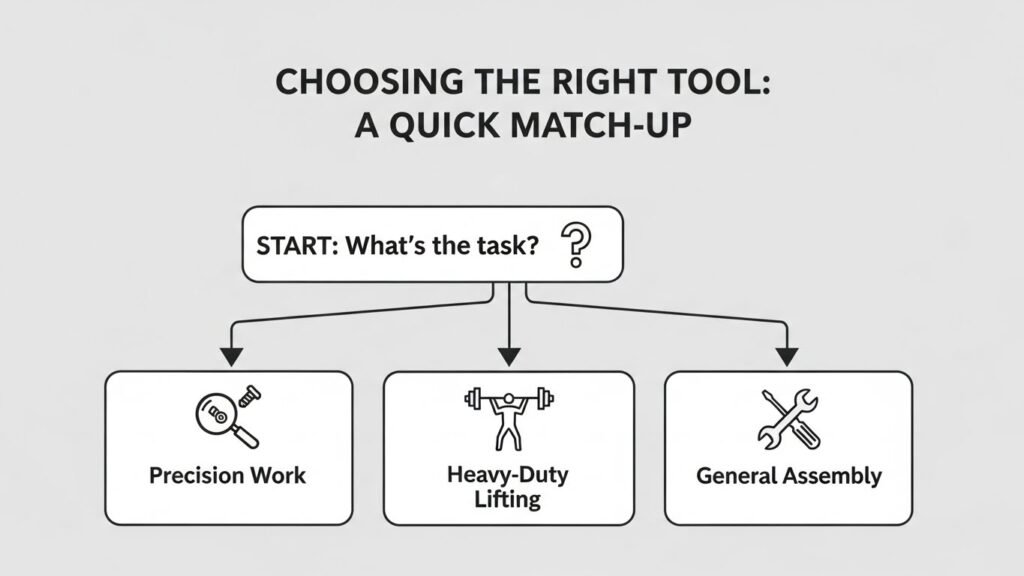
- For writing clarity: grammar and style assistants
- For research support: summarizers + keyword expansion (but verify sources)
- For math/stats: step-by-step solvers (compare with your notes)
- For coding: code assistants for debugging and explanations (test everything)
- For study: flashcard/quiz generators from your notes
The “best AI tool for assignments” depends less on brand name and more on whether it strengthens your thinking rather than replacing it.
Ethical Use: The Simple Test
Before you submit, ask yourself:
- Could I explain every paragraph if questioned?
- Did I verify all facts and citations?
- Did I follow the course’s AI policy?
- Does the work reflect my learning?
If the answer is yes, you’re probably using AI in a way that genuinely supports your education.
FAQs
Are AI tools allowed for assignments?
Depends on your school and instructor. Many allow editing and brainstorming but restrict full drafting. Check the syllabus or ask.
Can professors detect AI-written work?
Sometimes, but not reliably through detectors. More often they notice mismatched voice, shallow analysis, or incorrect citations.
What’s the safest way to use AI for homework?
Use it for outlining, explanations, study questions, and grammar edits—then write and verify the content yourself.
Do AI tools generate accurate citations?
Not consistently. Always confirm sources through your library or Google Scholar and build citations from real publications.
Will using AI make me a weaker writer?
It can if you outsource the thinking. Used for feedback and clarity, it can actually improve your writing over time.

Related Posts