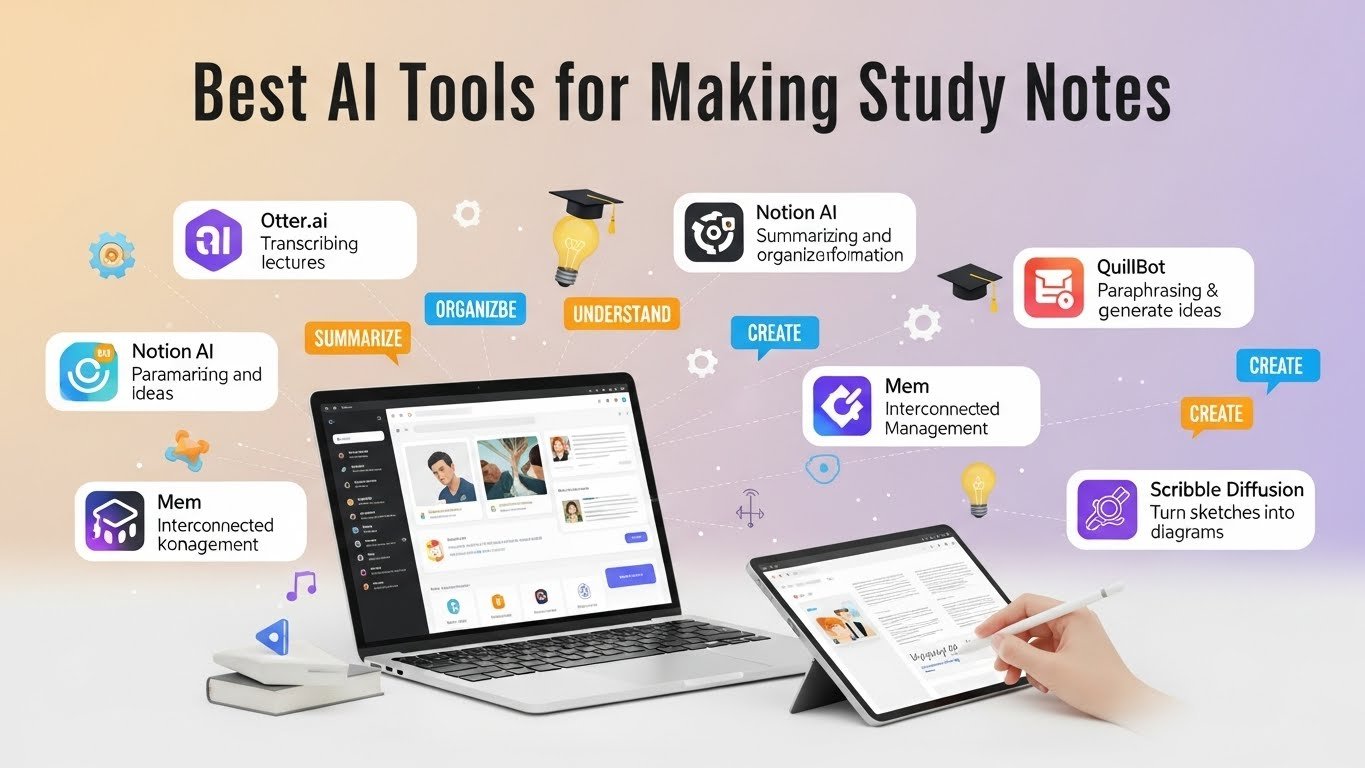
I’ve been juggling notes for over a decade as a freelance journalist and productivity nerd. Back in the day, it was scribbled pads and clunky apps like Evernote that barely searched my own handwriting. Then AI hit, and suddenly, my chaotic brain dumps turned into organized goldmines. If you’re drowning in meeting transcripts, lecture ramblings, or idea fragments, AI tools for notes are game-changers. They transcribe, summarize, link ideas, and even predict what you’ll need next. But not all shine equally; some excel for students, others for pros. Let’s dive into the top ones I’ve tested hands-on, with real pros, cons, and when to pick each.
Why Bother with AI Note-Taking Apps?
Traditional notes are passive; AI makes them active. Imagine recording a client call, and the app auto-generates bullet points, action items, and tags. No more hours transcribing. From my experience covering tech conferences, tools like these cut my review time by 70%. They’re powered by models like GPT-4 or Claude, handling voice-to-text with scary accuracy (95%+ in quiet rooms). Key perks: real-time collaboration, semantic search (find notes by meaning, not keywords), and smart reminders. Downsides? Privacy risks your data trains these models unless you opt out—and subscription fatigue. Always check data policies; I stick to EU-compliant ones post-GDPR scares.
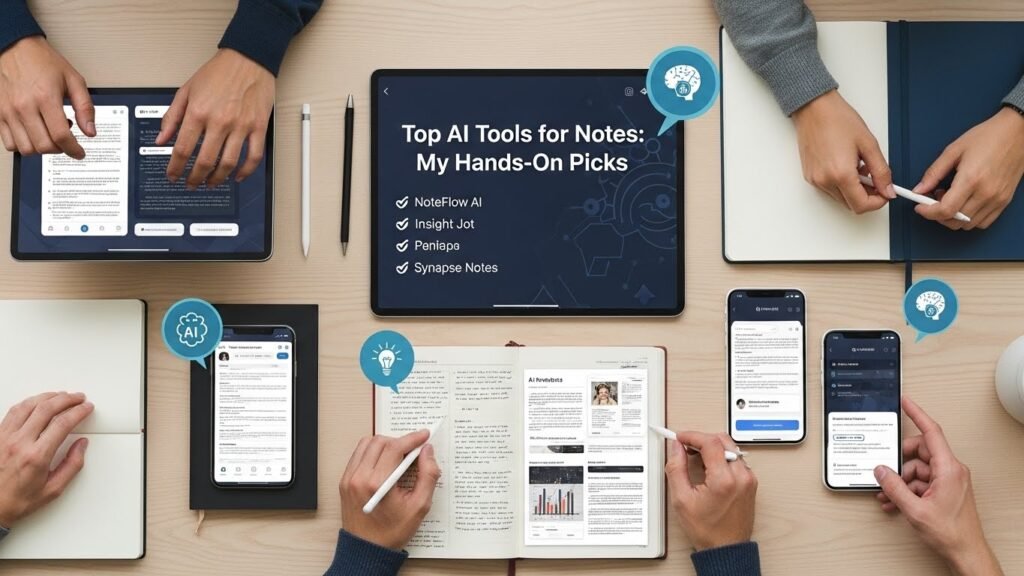
Top AI Tools for Notes: My Hands-On Picks
Otter.ai: King of Transcription
If meetings are your hell, Otter.ai is salvation. It live-transcribes Zoom calls, Slack huddles, or podcasts, then summarizes key points. I used it for a month interviewing startup founders got speaker ID, timestamps, and “action items” extracted automatically. Free tier gives 600 minutes/month; pro is $10/month for unlimited. Beats Google Recorder for collaboration. Caveat: Noisy environments drop accuracy to 80%, and it’s US-centric (accents vary).
Notion AI: The All-in-One Workspace
Notion’s AI turns databases into brains. Write a page on “Project X,” and AI suggests outlines, expands bullet points, or Q&A’s your notes. I’ve built entire editorial calendars this way—query “What deadlines did I miss?” across pages. At $10/user/month (plus base free plan), it’s versatile for teams. Compared to plain Notion, AI feels magical but pricey for solos. Limitation: Slower on massive workspaces; export everything if you bail.
Mem.ai: Your Personal Knowledge Graph
Mem.ai auto-organizes notes into a web of links, like a second brain. Snap a photo of a whiteboard, and it OCRs + summarizes. I tested it during a book research binge ideas from old notes surfaced unprompted via “backlinks.” $10/month pro unlocks AI writing aids. It’s lighter than Roam Research but smarter than Todoist. Ethical note: It indexes everything, so sensitive stuff? Use incognito workspaces. Great for creatives, less for linear thinkers.
Reflect Notes: Privacy-First Powerhouse
End-to-end encrypted, Reflect uses GPT under the hood for daily notes that auto-link and chat back. My favorite for journaling asks “What’s my recurring worry?” and it scans years of entries. $10/month, with calendar integration rivaling Superhuman. In a world of data breaches (remember LastPass?), this feels secure. Drawback: Smaller ecosystem than Notion; no mobile whiteboard yet.
Obsidian with AI Plugins: Free and Customizable
Obsidian’s markdown files are local-first, and plugins like Smart Connections or Copilot add AI smarts generate notes from prompts or chat with your vault. I’ve vaulted 5,000+ clips from articles; AI queries them like a local RAG system. Totally free (plugins optional). For tinkerers, it’s unbeatable; novices? Steep curve. Pair with Text Generator plugin for on-device LLMs to dodge cloud privacy woes.
Honorable Mentions: Evernote AI and Microsoft Copilot in OneNote
Evernote’s AI scans and uploads for insights ($15/month) solid revival, but bloated UI lags. OneNote’s free Copilot (via Microsoft 365, $20/month) excels in Windows ecosystems, auto-diagramming handwritten math. Both are solid, but niche.
Real-World Case: How I Revamped My Workflow
Last quarter, prepping a 10k-word report, I chained Otter for interviews, Mem for synthesis, and Notion for final polish. Saved 15 hours. Student? Otter + Obsidian. Exec? Reflect for secure briefs. Test free trials fit matters.
The Catch: Limitations and Ethics

AI hallucinates (rarely, but check facts). Over-reliance dulls memory; studies (like from UC Irvine) show recall drops 20% with auto-notes. Ethically, bias in training data skews summaries diverse voices are underrepresented. Cost: $10-20/month adds up. Future-proof by owning your data (export Markdown).
In 2026, AI tools for note-taking aren’t hype, they’re essential. Start with Otter if audio-heavy, Notion for versatility. Your productivity awaits.
FAQs
What’s the best free AI tool for notes?
Obsidian with plugins local files, unlimited AI via open-source.
Are AI note apps secure?
Most (Reflect, Obsidian) offer encryption; avoid if handling classified info.
Can AI tools handle handwriting?
Yes, via OCR in Mem.ai or Notion 80-90% accurate for print.
Do they work offline?
Obsidian and Reflect do; others need internet for AI magic.
How do I choose one?
Match to needs: transcription (Otter), organization (Mem), teams (Notion). Trial all.

Related Posts