I’ve watched the AI landscape transform dramatically over the past few years. What once required deep technical knowledge is now accessible to pretty much anyone with a computer and an internet connection. The barriers have crumbled, and honestly, that shift has been remarkable to witness. Today, I want to walk you through some AI tools that have genuinely changed how I work and how millions of others are getting things done without needing a computer science degree.
The Reality of “Easy” AI Tools
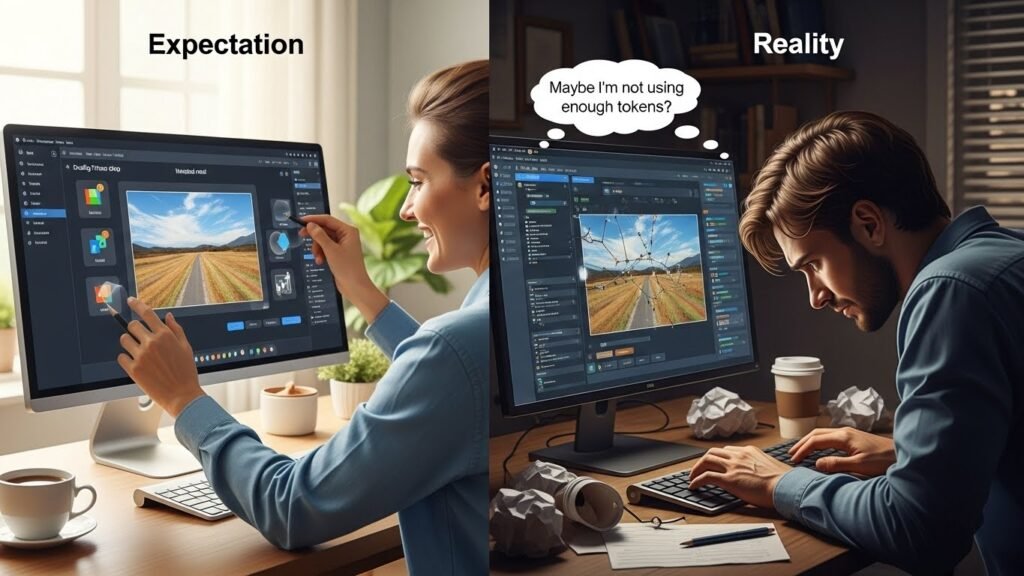
Let me be upfront: when we talk about easy AI tools, we’re not necessarily talking about completely dumbed-down interfaces. Some learning curve exists, even with the most beginner-friendly options. But these days, that curve is remarkably gentle compared to what it was five years ago.
The tools I’m going to discuss share something in common: they prioritize clarity over complexity. They guide you through the process rather than assuming you know what you’re doing. That matters more than you’d think when you’re just starting out.
ChatGPT: The Obvious Choice, But for Good Reason
I’d be remiss not to mention ChatGPT first. By now, most people have at least heard of it, and for good reason. The free version is genuinely impressive and requires almost no setup beyond creating an account.
What makes ChatGPT particularly accessible is that it works like a conversation. You ask it something, and it responds in natural language. No special syntax. No programming required. Whether you need help brainstorming content ideas, explaining a complex topic, drafting an email, or working through a problem, it handles it intuitively.
From my experience, the real power comes when you treat it like a thinking partner rather than a magic answer box. I’ve used it to outline articles, refine arguments, and even catch logical inconsistencies in my own reasoning. For writers, students, and professionals juggling multiple projects, it’s become indispensable.
The limitation? It sometimes confidently states incorrect information, and it can’t browse the internet or access real-time information. Keep that in mind, and you’ll avoid most pitfalls.
Canva: Design Democracy
Before tools such as Canva existed, creating professional-looking graphics required either hiring a designer or spending months learning design software. Canva changed that calculation entirely.
I started using Canva about seven years ago when I needed to create social media posts without the investment of a full Adobe subscription. The interface is drag-and-drop simple. You select a template, swap in your content, adjust colors and fonts, and you’re done. What would’ve taken me hours in Photoshop takes minutes here.
The magic is in their template library. Whether you’re designing LinkedIn headers, Instagram posts, presentations, or even physical products like business cards, they’ve already built 90% of the work for you. You’re just customizing, which most people can do comfortably.
Grammarly: Your Writing Companion
Writing tools have improved substantially, and Grammarly sits at the top of that list for accessibility. It works as a browser extension, catching grammar, spelling, and tone issues as you write across any platform, Gmail, LinkedIn, Google Docs, whatever.
What I appreciate most is how non-intrusive it is. It highlights issues without being pedantic about minor stylistic choices. I’ve noticed my writing has become more precise just from the constant, gentle feedback.
The free version covers the essentials. The premium tier offers more sophisticated analysis around tone and clarity, but the base version is surprisingly capable.
Midjourney and DALL-E 2: AI Image Generation Made Simple
Image generation tools deserve attention because they’ve made visual creation accessible to non-artists. I was skeptical at first; I expected derivative, obviously AI-generated images. I was wrong.
Both Midjourney and DALL-E 2 let you describe what you want, and they generate variations. The learning curve involves understanding how to describe things effectively, but that’s learnable. After generating a few dozen images, you start developing intuition about what prompts produce results you actually want.
These tools are imperfect. They sometimes generate anatomically weird hands or slightly off proportions. But for concept development, social media graphics, or initial design directions, they’re remarkably powerful. I’ve replaced some of my stock photo usage with AI-generated images tailored specifically to what I need.
Zapier: Automation Without Code
Here’s where many people miss an opportunity. Zapier is automation software, and while “automation” might sound technical, it’s genuinely accessible.
Zapier connects your apps, Gmail, Slack, Google Sheets, and thousands of others, and lets you create workflows. If someone fills out a form, automatically add them to a spreadsheet and send them an email. That’s the type of thing Zapier handles. No code. Just selecting apps and conditions from the dropdown menus.
I’ve used it to eliminate hours of manual data entry and repetitive tasks. Anyone doing routine digital work could benefit from exploring Zapier, even in limited ways.
Getting Started: My Honest Recommendation
Don’t try to master everything simultaneously. Pick one tool that solves an actual problem you face regularly, spend a couple of weeks with it, and let it become natural. Then add another.
The best AI tool is the one you actually use. I’d rather see someone genuinely competent with Canva and ChatGPT than someone with surface-level knowledge of fifteen different platforms.
FAQs
Are free versions of these tools actually useful?
Yes. While premium versions offer additional features, the free tiers of ChatGPT, Canva, Grammarly, and others are genuinely capable for most regular uses.
Do I need technical skills to use these tools?
Not really. These tools are specifically designed for non-technical users. Basic computer literacy is sufficient.
Which tool should I start with?
Start with whichever solves your most pressing problem. If it’s writing, try ChatGPT or Grammarly. If it’s design, Canva is your entry point.
Are these tools safe?
Established tools like those mentioned maintain security standards, but avoid pasting sensitive personal or proprietary information into any AI platform.
Can I actually replace professionals with these tools?
Not entirely. They augment human capability rather than replace expertise. They’re best viewed as productivity multipliers.

Related Posts